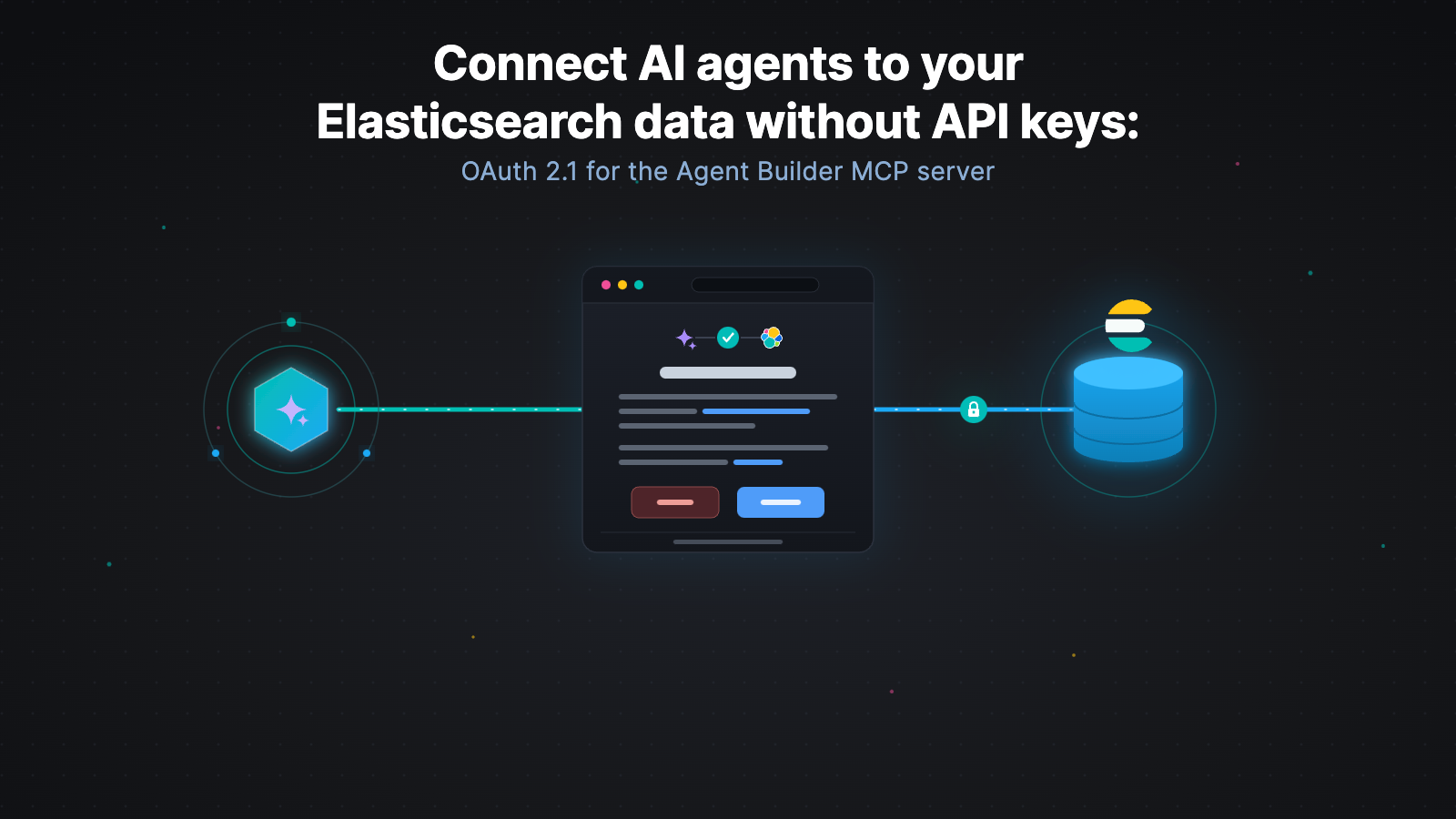
Elastic Cloud Serverless audit logs: Ship the trail to Observability or Security
Eight alerting rules and seven dashboards arrive with the logs, including Kibana Object Forensics, where a deleted detection rule shows up with the person who deleted it and the space it was in.
Free yourself from operations with Elastic Cloud Serverless. Scale automatically, handle load spikes, and focus on building—start a 14-day free trial to test it out yourself!
You can follow these guides to build an AI-Powered search experience or search across business systems and software.
Log delivery is now generally available (GA) in Elastic Cloud Serverless. This means you can ship the audit logs from any Serverless project into an Elastic Observability Serverless or Elastic Security Serverless project in the same organization. The logs include eight alerting rules and seven dashboards that cover saved object changes in Kibana, along with the space where each change happened, who read which Elasticsearch index, and who was denied. They also cover sign-ins and the credential behind each one. Five Ignore filters drop whole slices of the stream before it’s delivered, so you pay to keep only what you’ll investigate. This first release is project activity, which is the audit trail for Elasticsearch and Kibana on the source project.
How log delivery ships your audit logs
You just pick the source and the destination. If you don’t need the full audit trail, you define what you want to ignore. Elastic does the rest and delivers the trail, encrypted in transit and at rest.
Any project type in the organization, including Search, Elasticsearch Vector Database, Observability, or Security, can be a source. The destination must be an Observability or Security project in the same organization. (If the source is already one of those, it can send the audit logs to itself.)
The destination is where you analyze the audit logs and where you set how long to keep them. It can be in any region or on any cloud provider, but needs to be in the same organization.
Each source project sends its audit trail to the selected destination. If your compliance team or the security operations center (SOC) wants to have a single place to investigate, you can point several source projects at the same Observability or Security destination.
Ingest and retention of audit logs are billed on the destination project. You decide how long the evidence should stay by modifying the retention duration on the target data stream directly, and that retention time is part of the bill.
If you leave the Ignore filters empty, every single event is delivered. That’s the highest-volume option, and a busy project feels it on the Observability or Security bill. Adding Ignore filters ensures that matching events are dropped before being delivered, so those events don’t reach the destination and aren’t billed.
After you turn on log delivery, you can watch the ingest rate and how much storage you’re keeping, in the AutoOps Storage Tier view on the destination project:
AutoOps Storage Tier, where you can visualize the ingest rate of your audit logs and how much you’re keeping.
What Elastic Cloud Serverless audit logs contain
This release delivers project-level activity; that is, Elasticsearch and Kibana on the source project, including index, template, and pipeline changes, data searches, reads and writes, and UI access. All events land in logs-elastic_cloud.serverless_audit.otel-default.
service.name separates the producers. Elasticsearch events use serverless-elasticsearch, and Kibana events use serverless-kibana. Every event carries project.id, so you can tell which project it came from, even when several sources share the same destination.
An SOC uses the same stream for sign-ins and access failures, and a compliance team can keep it as evidence of who changed what. Organization administration will also soon land on the same trail, with sign-ins, membership modifications, identity and access management (IAM) checks, and project settings changes.
How to turn on audit log delivery
There are five steps to turning on log delivery for Elastic Cloud Serverless audit logs, and you need the Admin or Editor role on the source project:
On the Elastic Cloud home page, find the source project and select Manage.
In the navigation menu, select Log delivery.
For Audit trail, choose the destination project. An Observability project works if that’s where your team already investigates, but a Security project is the better home for this log type.
Select any Ignore filters you want, switch Audit trail to Enabled, and then click on Save.
Click on View dashboard to slice and dice your audit trail.
Turn on the audit trail: pick a destination, drop what you don’t need, and then open the dashboard.
Audit logging best practices: What to keep and what to drop
Each filter drops a slice of the stream before it’s delivered:
Ignore filter | What it drops | When to use it |
|---|---|---|
Data searches and reads | Searches and read operations on your data | On a search-heavy project, unless you need evidence of who read the data |
UI requests | Read-only clicks in Kibana; saved object changes are still delivered | When read-only clicks are noise |
Data writes | Ingest and bulk write operations | When you want configuration and object changes without write volume |
Successful sign-ins | Sign-ins that succeeded; failures are still delivered | When you only care about failed sign-ins |
Routine user and role checks | Routine IAM role checks; unusual IAM events are still delivered | When you want the unusual IAM events, not every role check |
It’s useful to start with ignoring data searches and reads, in addition to UI requests. You keep the changes but drop the search volume and UI clicks. When you need the full stream and can pay for it, leave every filter off.
8 alerting rules that catch credential attacks
An attacker working through credentials leaves a shape in the audit stream. It might be one identity failing over and over or one address failing against many identities in turn. We ship eight alerting rules that watch for those shapes.
Analysts already work this way. When an alert arrives, you open a dashboard and investigate from there. These eight rules cover the first step.
Four rules watch for credential attacks:
Rule | What triggers it |
|---|---|
Password guessing | One identity fails to sign in at least 15 times in 10 minutes. |
Password spray | One client Internet Protocol (IP) address fails against at least 10 identities in 15 minutes. |
Credential stuffing | At least 30 failures across 10 identities and five public IP addresses in 10 minutes. |
Successful sign-in after repeated failures | At least five failures followed by a success in the same 30 minutes. |
Keep an eye on that fourth one. A run of failures ending in a success is what a break-in looks like from the outside, and it’s the only rule here that fires after the attacker is already in.
The other four watch where a credential originates:
Rule | What triggers it |
|---|---|
Impossible travel | Two sign-ins at least 500 km apart at the same moment or faster than 800 km/h within six hours. |
Sign-in from a new country | A known identity appears in a country that it hasn’t used in the last seven days. |
Credential used from many places | Two countries in one hour or an API key seen from three public IP addresses. |
First-seen identity | The first sign-in in seven days. |
First-seen identity has a startup cost worth knowing about. It stays quiet until the audit stream is at least a day old, because until that time, it has nothing to compare against. If you turn on log delivery this morning, don’t expect it to fire this afternoon.
Each rule points to one or more dashboards, so you get the trigger from the alert and the surrounding context from the dashboard.
Audit log dashboards on the destination project
Seven dashboards come with your Elastic Cloud Serverless audit logs on the destination project. The stream is searchable in Discover, too, but the dashboards are the reason to turn this on. Below, we look at three of them more closely.
Kibana Object Forensics: Who changed a saved object
Kibana Object Forensics is the change log, noting creates, updates, and deletes on saved objects, along with who performed the modification, the object that was modified, and the space where it occurred. A deleted detection rule shows up here:
Kibana Object Forensics, including who changed a saved object and where.
Elasticsearch Data Access: Who read which index
Elasticsearch Data Access answers who read what, including index families, the transport action they used, denied requests, and reads of system and hidden indices. If you want to know who searched which indices, leave Ignore data searches and reads off.
Elasticsearch Data Access, including who read the data, and who was turned away.
Identity & Access: Who signed in and what failed
Identity & Access is the sign-in page, and it includes credential type, authentication realm, failed sign-ins, and denied access. API keys are listed on their own, so a busy key isn’t mistaken for the person who created it:
Identity & Access, including who signed in, with what, and what failed.
What’s coming next for log delivery
Two more log types are coming to log delivery on Elastic Cloud Serverless, beyond the Elasticsearch and Kibana audit logs available today:
Elasticsearch query logs emit one coordinator-level line per query for Elasticsearch Query Language (ES|QL), Query DSL, SQL, Event Query Language (EQL), and Prometheus Query Language (PromQL).
Kibana user activity logs record how Kibana is used. Dashboards are the first app on that stream, including who viewed, edited, or deleted one, and how long they take to load.
Open a project in Elastic Cloud, and turn on Log delivery.
The release and timing of any features or functionality described in this post remain at Elastic's sole discretion. Any features or functionality not currently available may not be delivered on time or at all.
How helpful was this content?
Related Content
How Elasticsearch Serverless hollow shards cut indexing-node shutdowns by 30%

Elasticsearch Vector Database: Ship in minutes, scale affordably to hundreds of billions

No more allocation delays: Decoupling snapshots from shard relocation in stateless Elasticsearch
Avoiding and Correcting Hotspots: How Elasticsearch Serverless Balances Shards